AI-driven Device Management with AirDroid Business
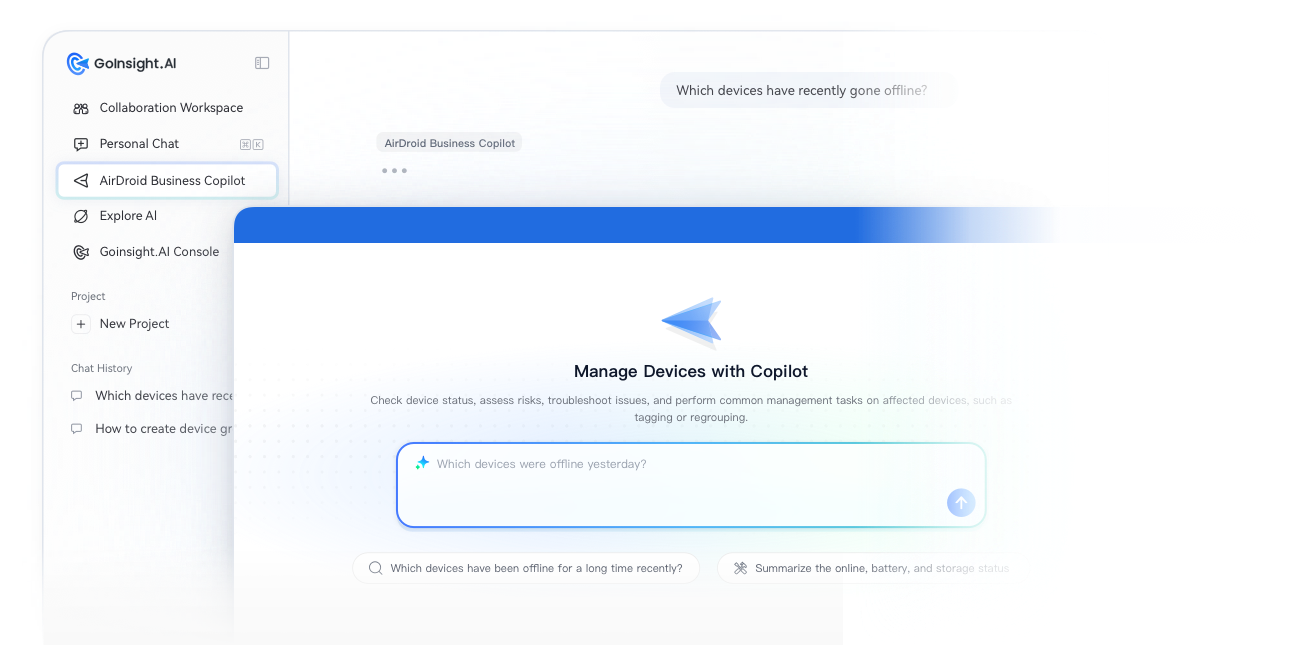
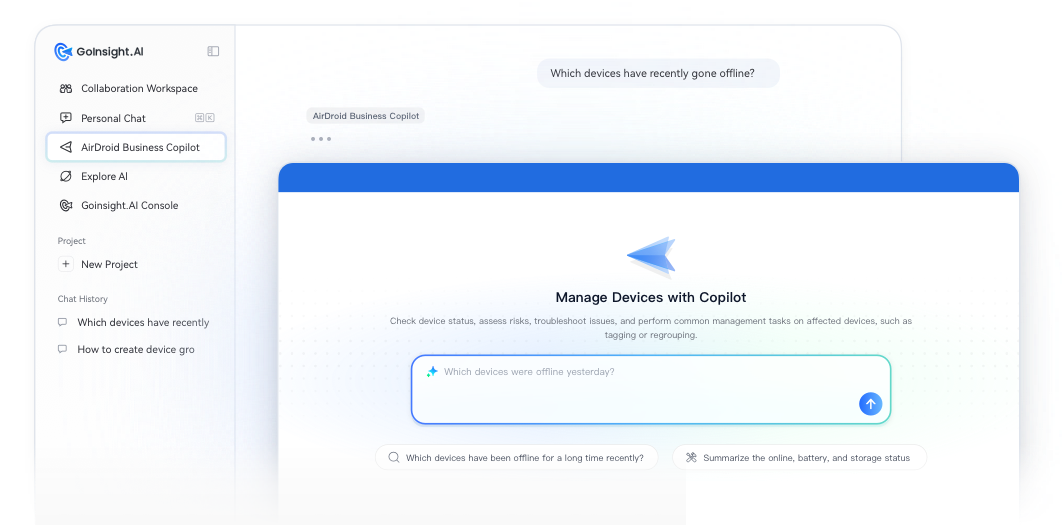


From Device Management to AI-Driven Device Management
AirDroid Business goes beyond a remote control tool. It is an enterprise MDM and device management platform that brings device enrollment, remote access, remote control, kiosk management, app management, device monitoring, alerts, reporting, and remote support into a single console. It helps enterprises manage distributed devices with greater visibility and stronger control.
With AI and automation, these capabilities are no longer isolated features across different screens. They can now connect through natural language, triggers, and workflows.
Admins can describe a device issue or a business goal in plain language. The system interprets the intent, accesses device data within granted permissions, invokes the appropriate device actions, and runs automated workflows. When needed, it can pause for human approval before execution.
This shifts device management away from manual checks and isolated actions. It moves toward a full lifecycle: detecting issues, understanding risks, driving resolution, involving human confirmation when necessary, and tracking outcomes over time.
Why Device Management Needs a New Approach
Traditional MDM platforms help organizations enroll devices, enforce policies, troubleshoot issues, and maintain visibility across their fleet. As deployments grow larger and business environments become more complex, however, simply knowing whether a device is online is no longer enough.
Every day, IT teams still need to answer questions like these:
- Which device issues should we fix first?
- Which devices need a remote reboot, an application update, or an on-site visit?
- Which inspections and reports should run automatically on a regular schedule?
- What should happen after an alert is generated?
- How can we move an issue from detection to resolution while maintaining security, permissions, and human approval?
In most cases, these tasks still rely heavily on manual work.
Even when device data is available in the system, admins still need to open the right pages, filter devices, review multiple fields, and figure out what actually needs attention. Alerts can tell you that something is wrong, but someone still has to check details, notify the right person, log the issue, or create a ticket. Reports can be exported, but they still require manual preparation and distribution.
Remote control remains an important fallback for complex issues. But many problems can actually be identified, summarized, shared, and tracked before anyone ever connects to the device.
AI-driven device management is designed to reduce this overhead. They make daily operations lighter, faster, and easier to run at scale.
Two Ways to Bring AI into Device Management
AirDroid Business helps you bring AI into your daily device management through two core capabilities.
In the past, admins had to open the management console, filter devices, review multiple fields, and figure out what to do next. Now, you can simply ask AirDroid Business Copilot a question or describe what you need. Based on your device data, Copilot returns a clear summary, highlights potential risks, and recommends next steps.
- Which devices have gone offline or have low battery recently?
- Summarize the health status of devices in the Default group.
- Find store devices that have been offline for more than 24 hours in the past seven days and suggest what I should do next.
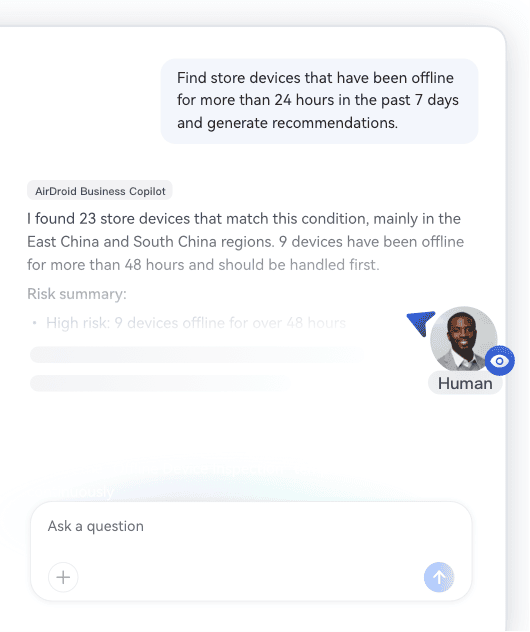
Routine tasks like device inspections, issue investigation, and status summaries can all be completed with a single prompt. Copilot works best for fast, on-demand tasks. It helps admins quickly understand device status and risks without navigating through multiple pages in the console.
Some operational tasks shouldn't require manual initiation every time.
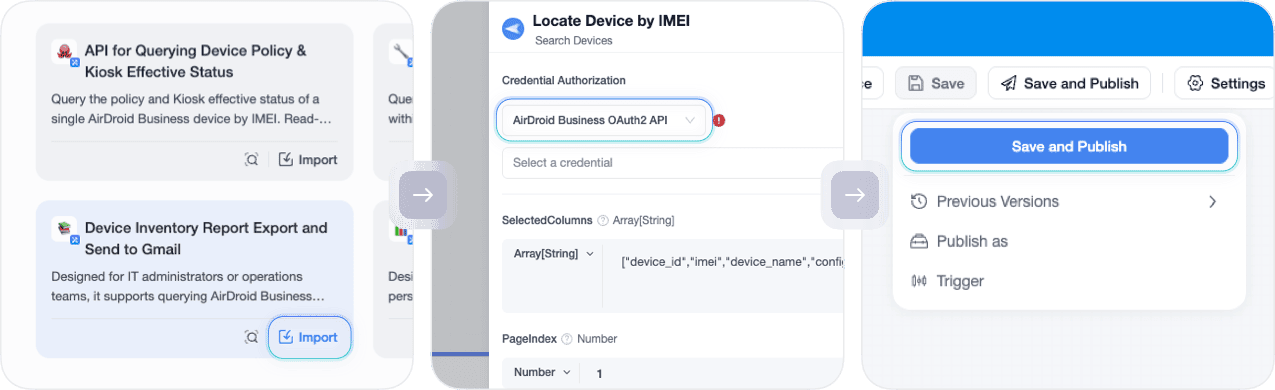
For recurring device inspections, alerts, and reporting tasks, your team can choose from prebuilt workflow templates. You define the target devices, trigger conditions, and follow-up actions, then let the workflow run automatically based on your rules.
- Scheduled inspections for offline devices, low battery devices, or kiosk status issues.
- Sending regular device health summaries, inventory reports, or operational reports.
- Automatically notify the right team members, log events, or create support tickets when an alert is triggered.
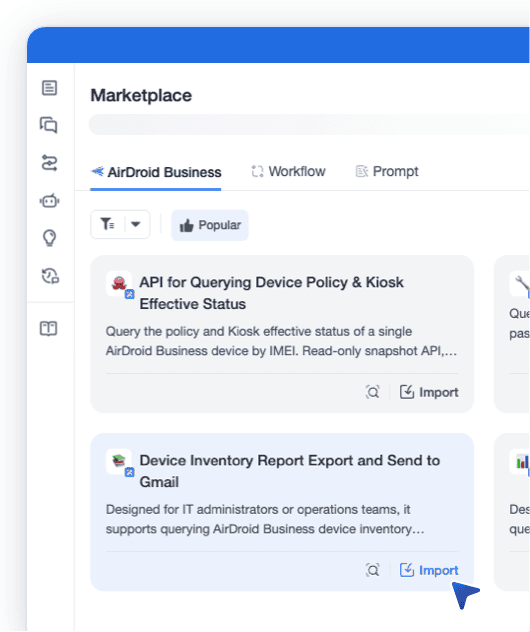
Instead of doing the same tasks manually every time, your team can automate them with reusable workflows.
Use Copilot to Handle Daily Device Issues
AirDroid Business Copilot is the entry point to AI-driven capabilities in AirDroid Business. It helps you query devices through natural language, understand device status, identify risks, and get guidance on what to do next.
You can use Copilot to:

Check Device Status
Quickly locate a specific device, a device group, or devices that match certain conditions, such as offline status, low battery, low storage, or network issues.

Understand key risks
Understand key risks by turning scattered device data into clear, easy-to-read status summaries, helping you prioritize which devices need attention first.

Recommend Next Actions
Based on device status, alerts, group context, and historical data, Copilot recommends the next best action—whether that’s remote troubleshooting, updating an application, notifying the responsible team, or continuing an automated workflow.

Take Action
In the right context, Copilot can guide you to the relevant device list, open the appropriate management page, start a remote support session, or execute approved actions after your confirmation.
Copilot helps you focus on solving device issues instead of remembering where each feature is located.
Automate Repetitive Management Tasks with Workflow Templates
Not every task should start with a conversation. If the same task runs every day, every week, or whenever a specific event occurs, it should become an automated workflow instead of another manual task.
AirDroid Business provides ready-to-use workflow templates built for common device management scenarios, including:
- Daily offline device inspections
- Low battery notifications
- Kiosk status checks
- Device health summaries
- Scheduled device inventory and operational reports
- Sending alerts to email, Slack, Microsoft Teams, Google Sheets, or ticketing systems
Workflow templates help your IT team avoid building automation from scratch. Simply choose a template, adjust the device scope, define trigger conditions, select notification recipients, and customize follow-up actions before activating it. This makes it easy to standardize recurring operational tasks such as routine inspections, scheduled reporting, exception alerts, and alert follow-ups.
Turn Alerts into the Starting Point for Follow-up Actions
Alerts shouldn’t stop at notifications.
In AirDroid Business, alerts help admins detect device issues such as offline devices, low battery, abnormal data usage, kiosk failures, or storage risks. In the past, alerts simply notified you about problems. Now, alerts can also trigger workflows that move issues toward resolution.
When an alert is triggered, workflows can automatically perform multiple actions based on configuration, such as:
- Notify responsible team members
- Log the issue in a spreadsheet
- Create a support ticket
- Send updates via email, Slack, or Microsoft Teams
- Perform device actions after confirmation, such as adding tags, moving devices to another group, or continuing the next step in the workflow
1. Alert triggered
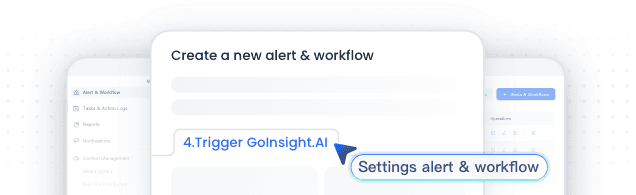
2. Workflow starts
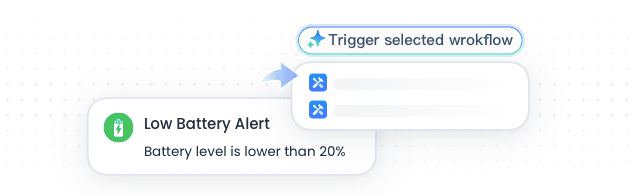
3. Notify / record / create ticket
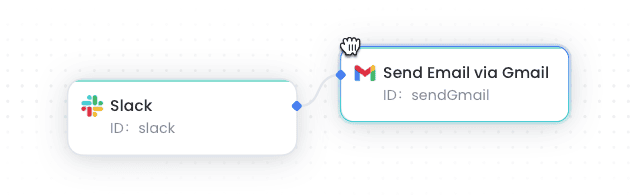
4. Take action if needed
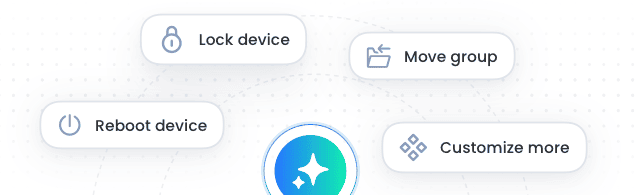
For sensitive or high-risk actions, the system can require manual approval before execution.
This way, alerts are no longer passive notifications. They become the starting point of a structured device operations process.
Governed AI for IT Management
AI-driven device management must remain under control. Since AirDroid Business manages real production devices, AI and automation never bypass your existing organizational permissions, access controls, or security policies.
Instead, they help admins understand issues faster, organize information, and move workflows forward, without replacing human judgment or expanding user permissions.

No Additional Permissions
Copilot and workflow automation can only access the devices, data, and actions that a user is already authorized to view and manage. AI never grants access to devices, groups, reports, or administrative actions beyond a user's existing permissions.

Human Approval for Sensitive Actions
For actions that may impact device status, business continuity, or data security—such as restarting devices, shutting them down, unbinding, wiping data, or performing factory resets—the system always requires manual confirmation before execution.
Copilot can identify the target devices, explain the potential impact, and recommend the next steps, but it never performs high-impact actions without explicit approval.

Trackable Workflow Execution
Automated workflows and key actions are logged, giving administrators full visibility into what triggered a workflow, how it was executed, and the outcome.
AI helps IT teams resolve device issues faster, while administrators remain in control of permissions, security, and every final decision.
Getting Started

Already Using AirDroid Business?
You can start exploring AI-powered device management from the AirDroid Business home page:
- Watch a short introduction video
- Try AirDroid Business Copilot if it has been enabled for your organization.
- Explore recommended workflow templates
- Use templates to handle recurring inspections, reports, or reminder tasks.
- Connect alerts to workflows so that issues automatically trigger follow-up actions when they occur.
Copilot and workflow templates are related, but they are not the same capability.
Copilot is designed for natural language queries and immediate tasks, while templates and workflows are designed for recurring operations or event-triggered device management processes.
New to AirDroid Business?
You can start with basic setup:
- Enroll your devices.
- Configure device groups, policies, kiosk settings, applications, and alerts.
- Start using AI features to reduce repetitive work.
- Begin with Copilot, automation templates, and alert-triggered workflows to streamline everyday operations.
FAQ
-
Is the AI capability of AirDroid Business a separate product?
No. It's the AI experience built into AirDroid Business.
You continue to manage devices, applications, policies, alerts, and reports through AirDroid Business. GoInsight.AI powers the AI and automation layer behind the platform.
-
Do I need to enable Copilot before using Automation Templates?
No. Copilot is a standalone feature designed for natural language queries, analysis, and guided actions. Automation templates are designed for recurring or event-triggered device operations.
Actual availability depends on your subscription plan, user permissions, and settings.
-
What can AirDroid Business Copilot help me do?
Copilot helps you check device status, summarize operational risks, investigate issues, and perform common management actions on affected devices.
Ask questions like which devices are offline, which devices have low battery, or get an overview of device health for a specific group, including online status, battery levels, and other key metrics.
You can also describe broader operational goals. For example, identify devices with issues across different regions, prioritize them based on impact, and continue with follow-up actions such as adding tags or moving devices to another group.
-
What are Automation Templates?
Automation Templates are prebuilt automation workflows designed for common device management.
They help automate repetitive or event-driven tasks, such as offline inspections, low battery notifications, kiosk status checks, and device health reports. This reduces manual work and keeps routine operational workflows running consistently.
-
Can AI control my devices automatically?
No. Copilot and automation only operate within the permissions already granted to the user in AirDroid Business.
For sensitive or high-risk actions—such as restarting devices, powering them off, unbinding them, wiping data, or performing factory resets—the system always requires user confirmation before execution. AI will not perform these actions without explicit approval.
-
Ask Copilot

-
Automate repetitive work

-
Let alerts trigger the next step
