AirDroid Parental Control
Cross-Platform Screen Time and Online Safety
- Comprehensive websites & apps blocking
- Hide apps once time limit is reached
- Chat with family members safely and easily
- Real-time location tracking and geo-fence alerts
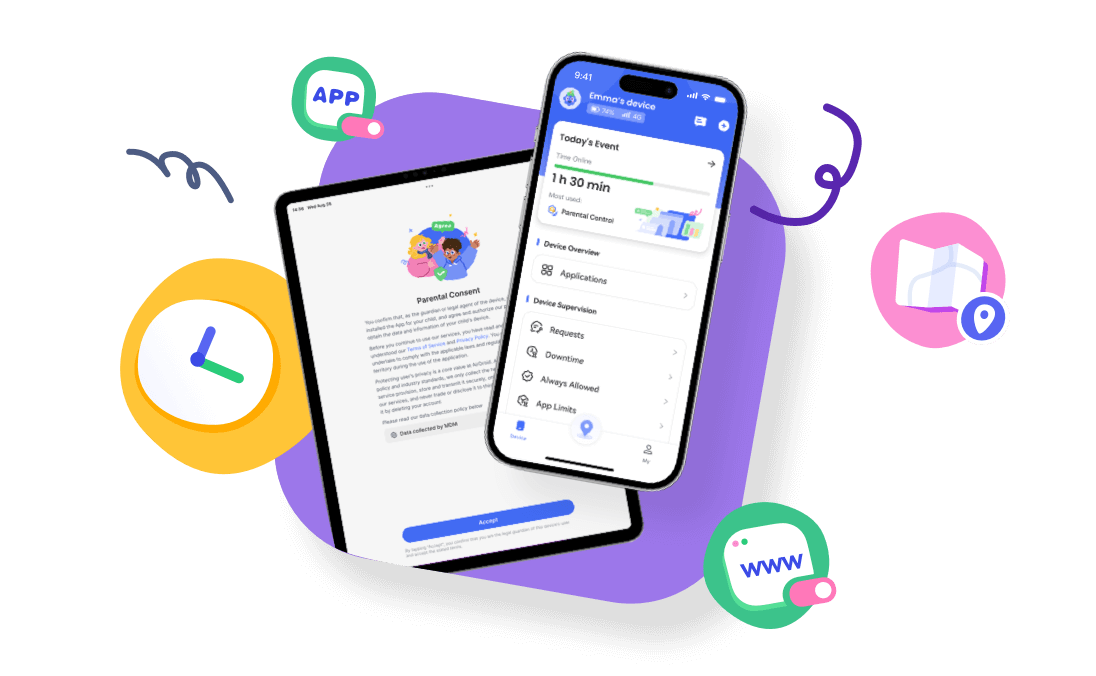
5 Ways to Block YouTube on iPhone and iPad
Key Takeaways:
Every iPhone comes with the Screen Time setting that helps users to block apps and websites.
Many users complained that they failed to block YouTube with Screen Time, you can use a reliable third-party app.
Most routers, especially the high-end ones, have app and website filtering features.
To prevent your child from using the YouTube app on your device or theirs when they are studying, you can use the Guided Access feature.
YouTube is consistently introducing features that are very appealing to customers. That is why this post will show you some of the methods for blocking the app on your iPhone and iPad. Parents can also help your children avoid being addicted to the app.

Method 1. Block YouTube on iPhone with Screen Time in Setting
In this method, you will find how you can block YouTube on an iPhone without a third-party app or extension. Every iPhone comes with the Screen Time setting that helps users to block apps and websites. Hence, this section considers how to use this feature.
Block Access to YouTube Completely
Block or Unblock YouTube Whenever You Want
Delete the YouTube App and Block Re-installation
Block Access to YouTube Completely


Leave a Reply.