

Reduce Manual Work Across Everyday Device Operations

See how automation supports common Android device operations across the device lifecycle.

Keep Devices Healthy and Connected for Daily Operations

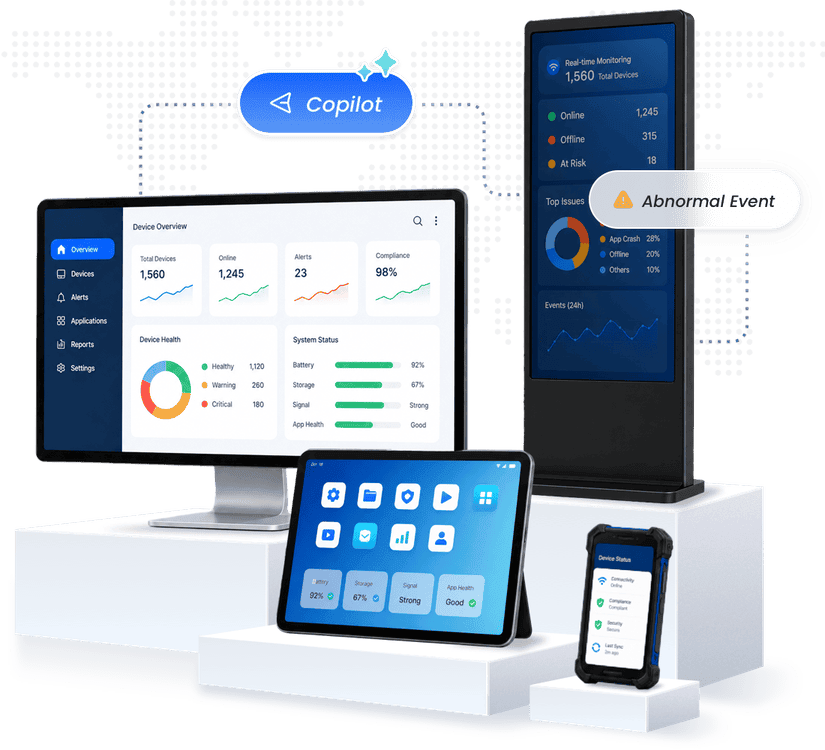
Battery, storage, performance, connectivity, and SIM changes can disrupt frontline operations. Bring these signals together to identify risks and coordinate follow-up.

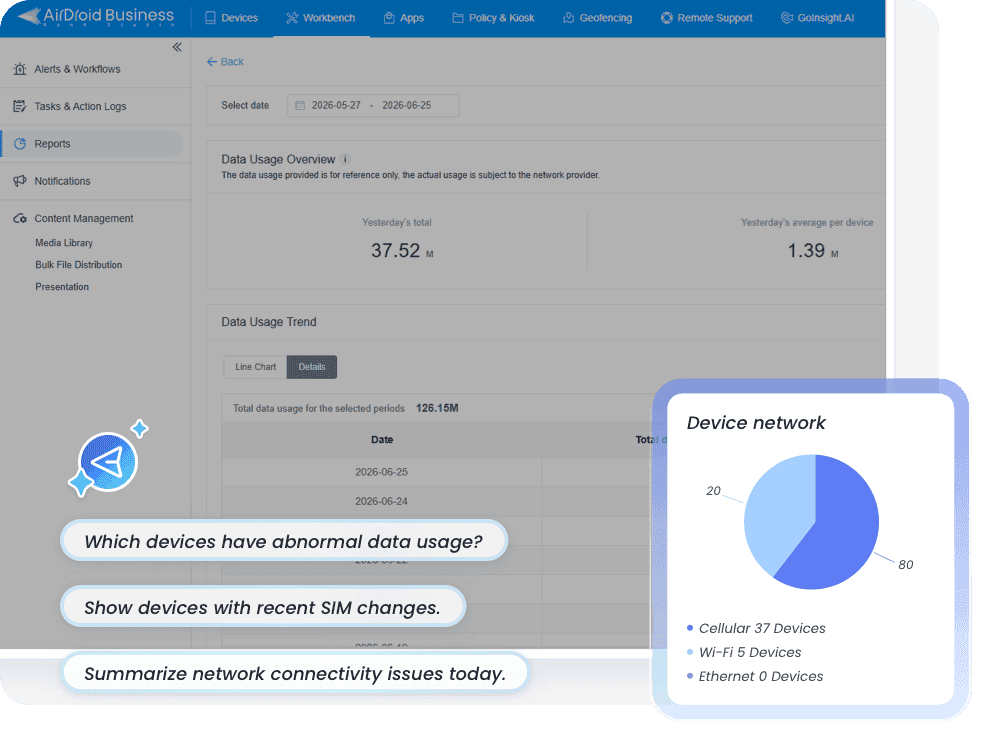
Monitor battery, storage, resource usage, online status, cellular data usage, and SIM changes across the fleet.
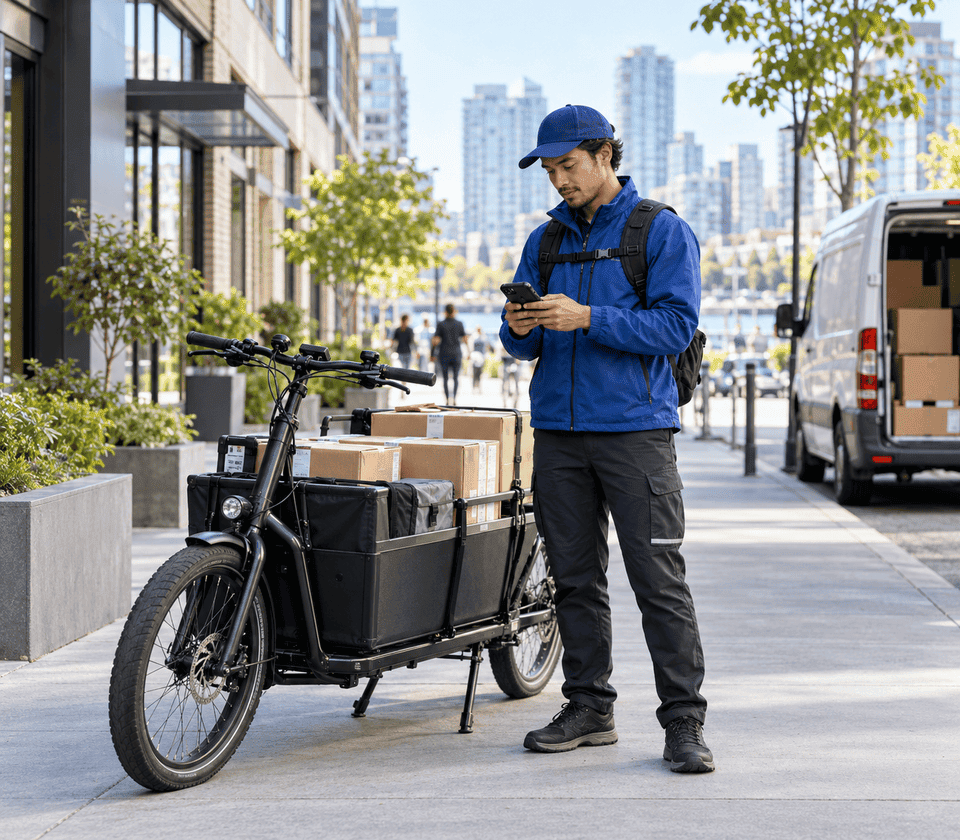
Delivery worker checking a handheld device beside a cargo bike on a city delivery route
THE OPERATIONAL MOMENT

A frontline device is trending toward failure while work still needs to continue.
From Device Signals to Intelligent Operations

Мониторинг

Trigger & Initiate

Start device tasks when key changes occur, at planned times, or immediately when needed.

Обнаружение и анализ

Understand & Prioritize

Use AI-assisted analysis to understand context, identify affected devices, and prioritize next steps.

Автоматизировать

Orchestrate & Act

Coordinate automated actions while allowing human approval or intervention when needed.

Отчет

Verify & Record

Check device status, follow up on exceptions, and retain traceable records of each task.

Choose How and When Device Tasks Run

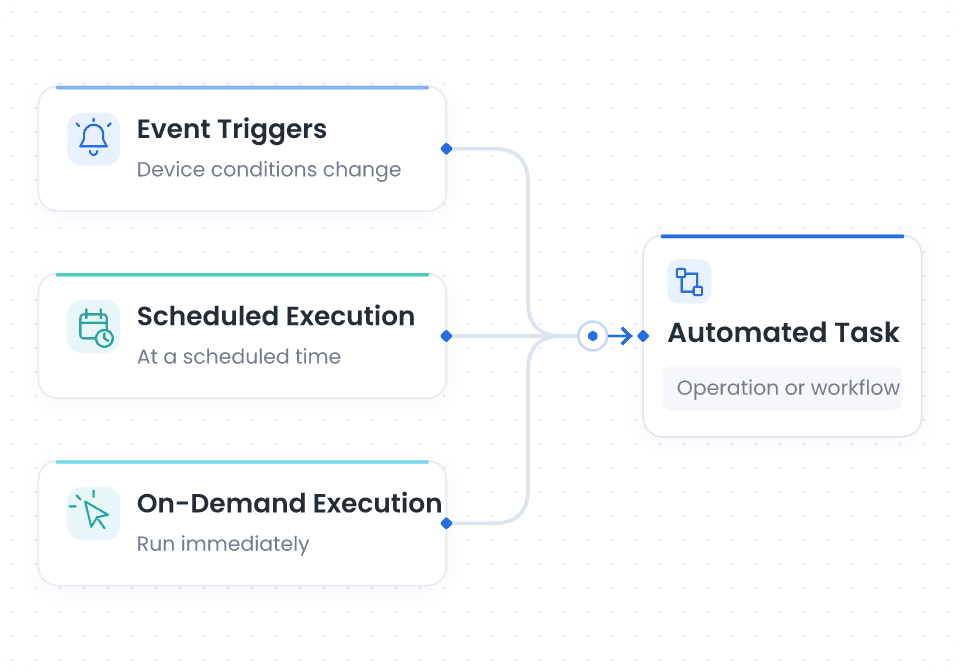
Choose when device tasks run: when an event occurs, at a scheduled time, or start them immediately. Define the device scope, then connect the operations or workflows your team needs.

Event Execution

Initiate tasks when device conditions change, devices join or leave management, or specified tags, groups, or geofences change.

Scheduled Execution

Run routine device checks and maintenance tasks daily, weekly, or at a specified time.

Immediate Execution

Run a device check, supported operation, or workflow immediately for the selected devices.

Choose How and When Device Tasks Run

Turn Device Context into Actionable Insights

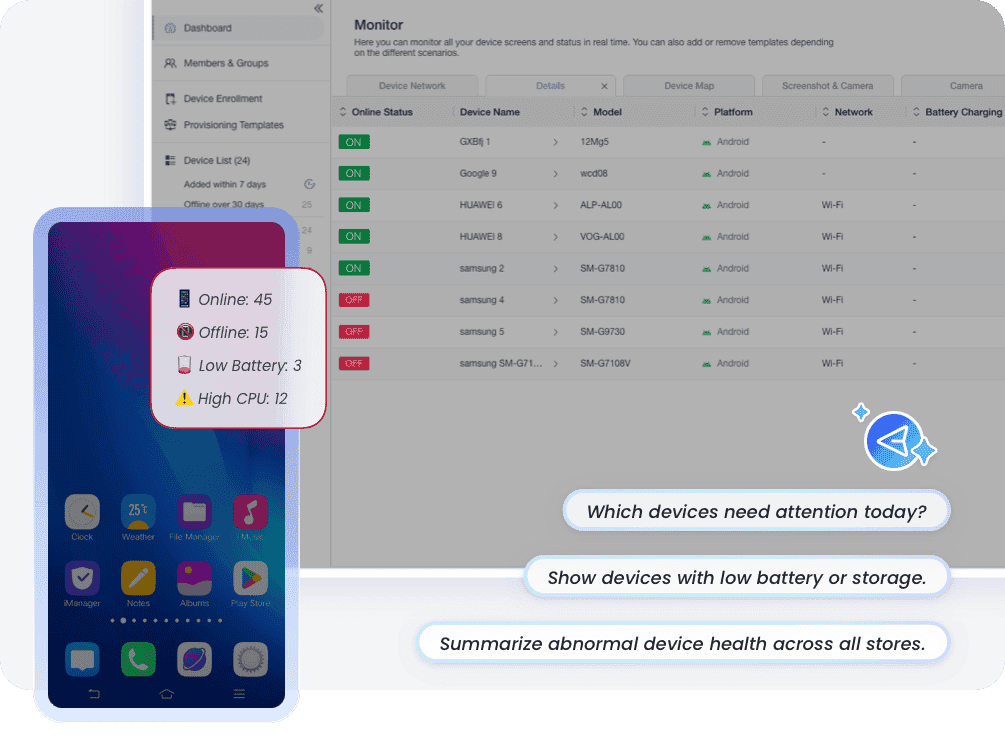
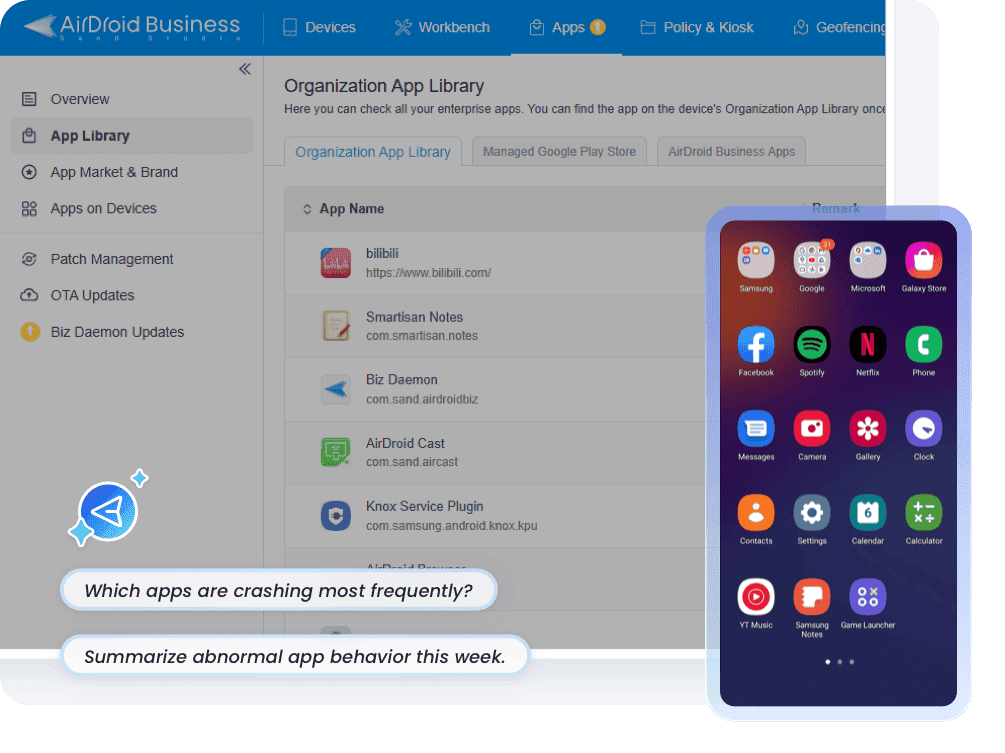
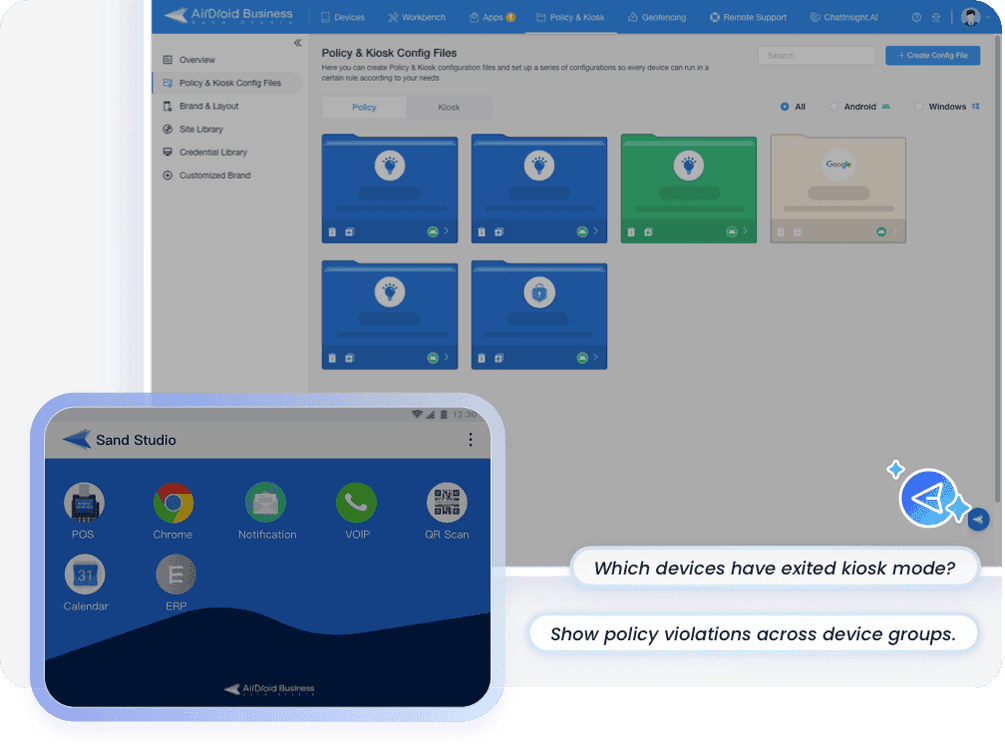
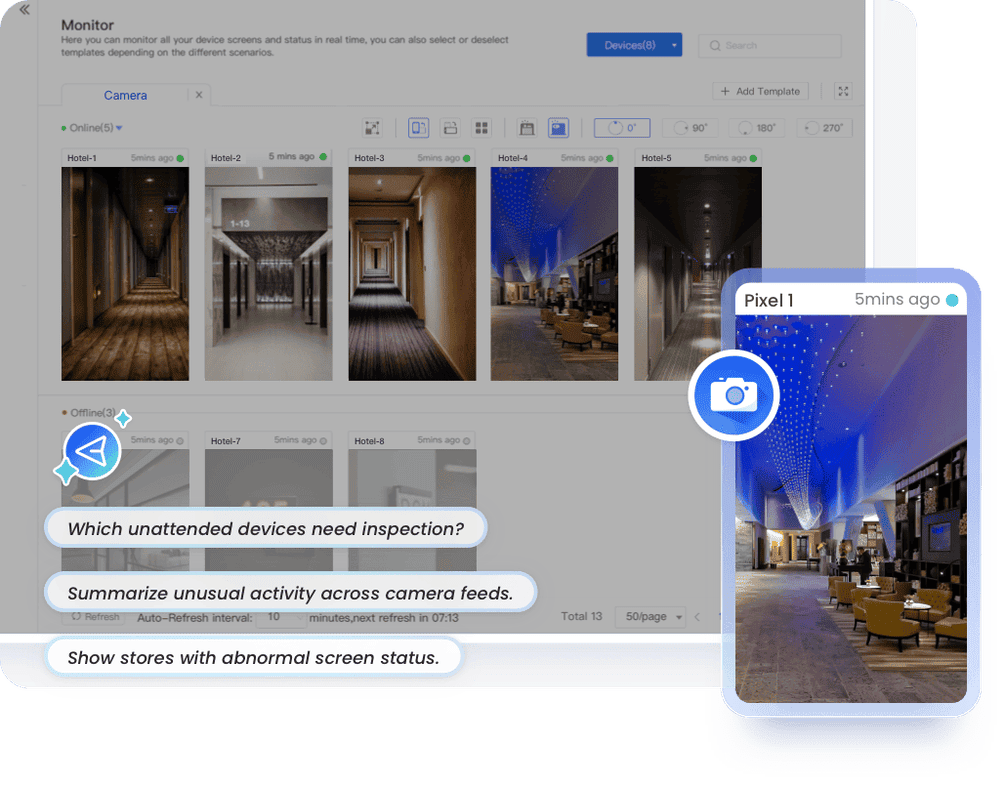
Bring device health, app, kiosk, network, SIM, and visual signals into one operational context for AI-assisted analysis and more informed response decisions.

  • 1

    Состояние устройства

    Combine online status, battery, storage, memory, CPU, and resource usage to surface unhealthy devices and recurring performance signals.

Состояние устройства

Turn Triggers into Coordinated Action

Start with the Right Trigger

Connect your workflow to the task that fits your operation: an event-triggered follow-up, a scheduled fleet check, or an immediate action. Use a basic device operation for simple tasks, or a workflow for more involved coordination.

Выберите или создайте рабочий процесс

Выберите готовый шаблон для типичных сценариев управления устройствами или создайте пользовательский рабочий процесс для своих операций. Решите, кого уведомлять, какие данные включать и какие действия должны выполняться далее

Выполняйте последующие действия автоматически

When the task runs, its connected workflow carries out the configured steps: notifications, reports, device data exports, task creation, API calls, or record updates. Include human review or follow-up where needed.

Track Automation Results with Reports and Logs

Review device tasks, operation results, workflow states, and logs across your Android fleet. Use reports and traceable records to follow up on exceptions and support operational reviews.

Отчеты по парку

Генерируйте и экспортируйте отчеты со списками устройств, отчеты по состоянию батареи, отчеты по использованию ресурсов и другие общие записи по парку для ежедневных проверок или плановых обзоров.

Task & Workflow Records

Switch between event, scheduled, and immediate execution records to review task details, the devices involved, operation results, and workflow status. Track progress and follow up on failed runs.

Пользовательские выходные данные

Use custom workflows and 140+ AirDroid Business tool nodes to collect, filter, process, enrich, and export device data, creating structured records and custom operational reports for different business needs.

Журналы доступа и операций

Track account operations, controlled actions, AI-assisted data access boundaries, and permission-based activity to support audit, governance, and secure automation.

FAQ of Device Tasks & Automation

What execution options are available for device tasks?
What can I automate with AirDroid Business workflows?
Workflows help automate device checks, notifications, reports, data exports, supported device actions, and updates to connected systems. Start with a ready-to-use template or build a custom workflow with conditions and human review where needed, then connect it to an event-triggered, scheduled, or on-demand task.
Can I use natural-language queries to analyze device monitoring data?
Yes. IT teams can use natural-language queries to review device information, check monitoring results, analyze abnormal patterns, and turn device data into actionable insights. Instead of manually searching across dashboards or logs, teams can understand device status faster and make more informed decisions.

Получите 14 дней более умного мониторинга и автоматизированных рабочих процессов